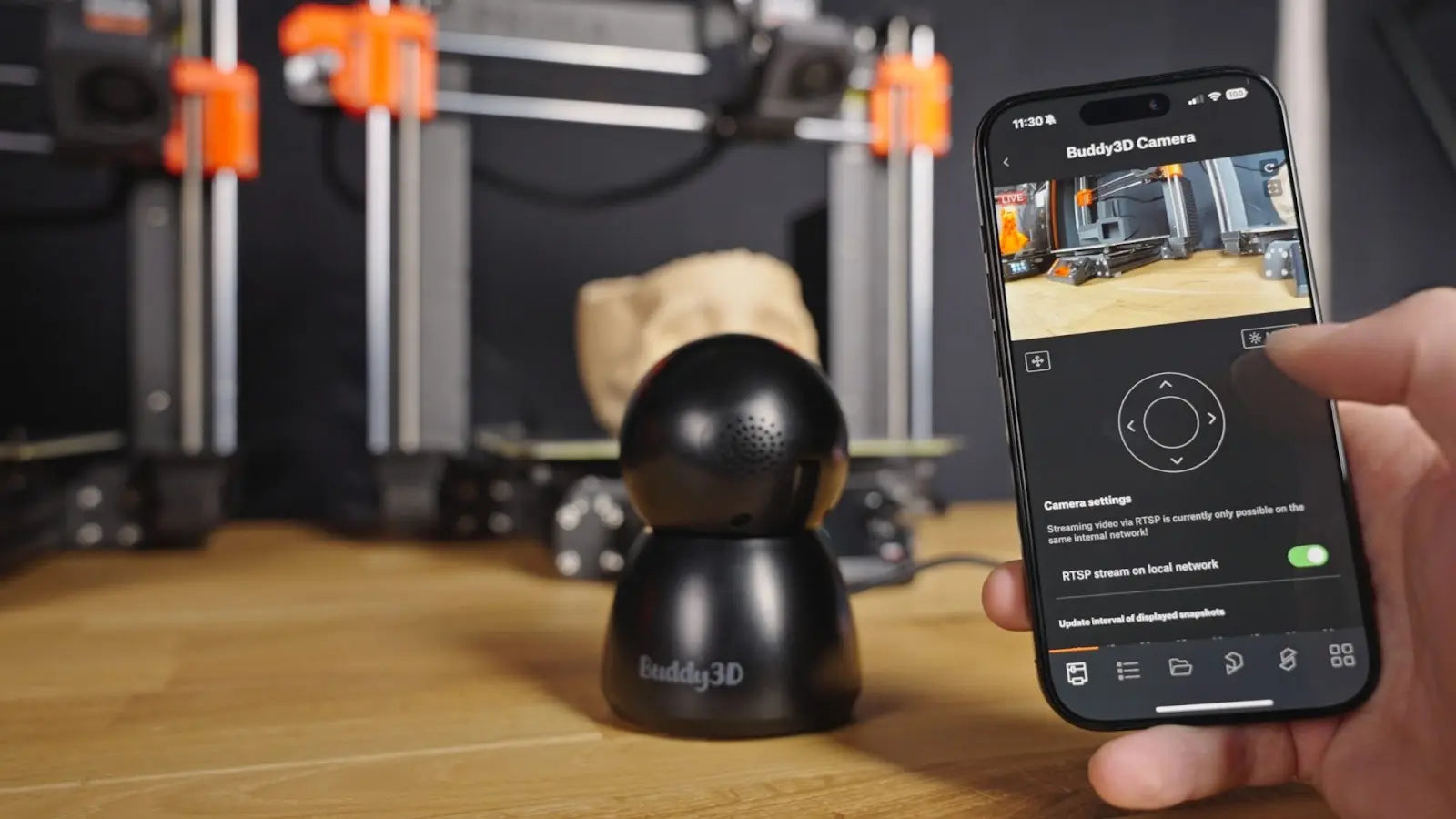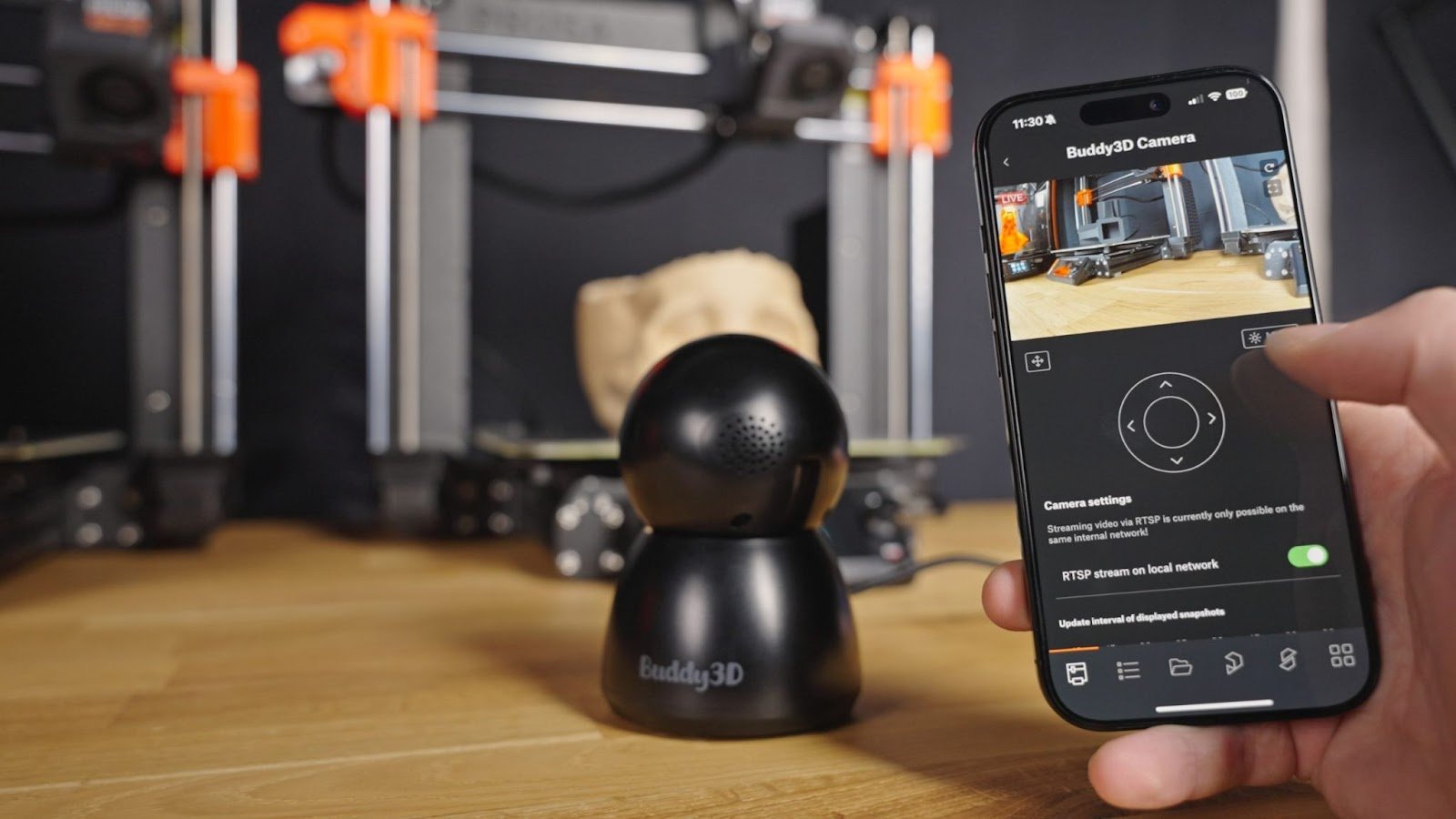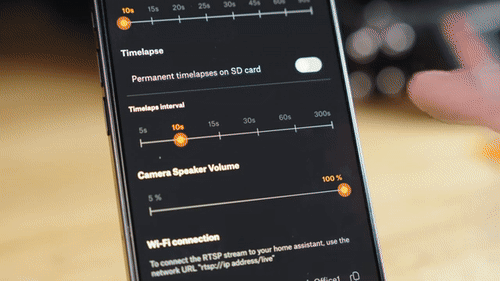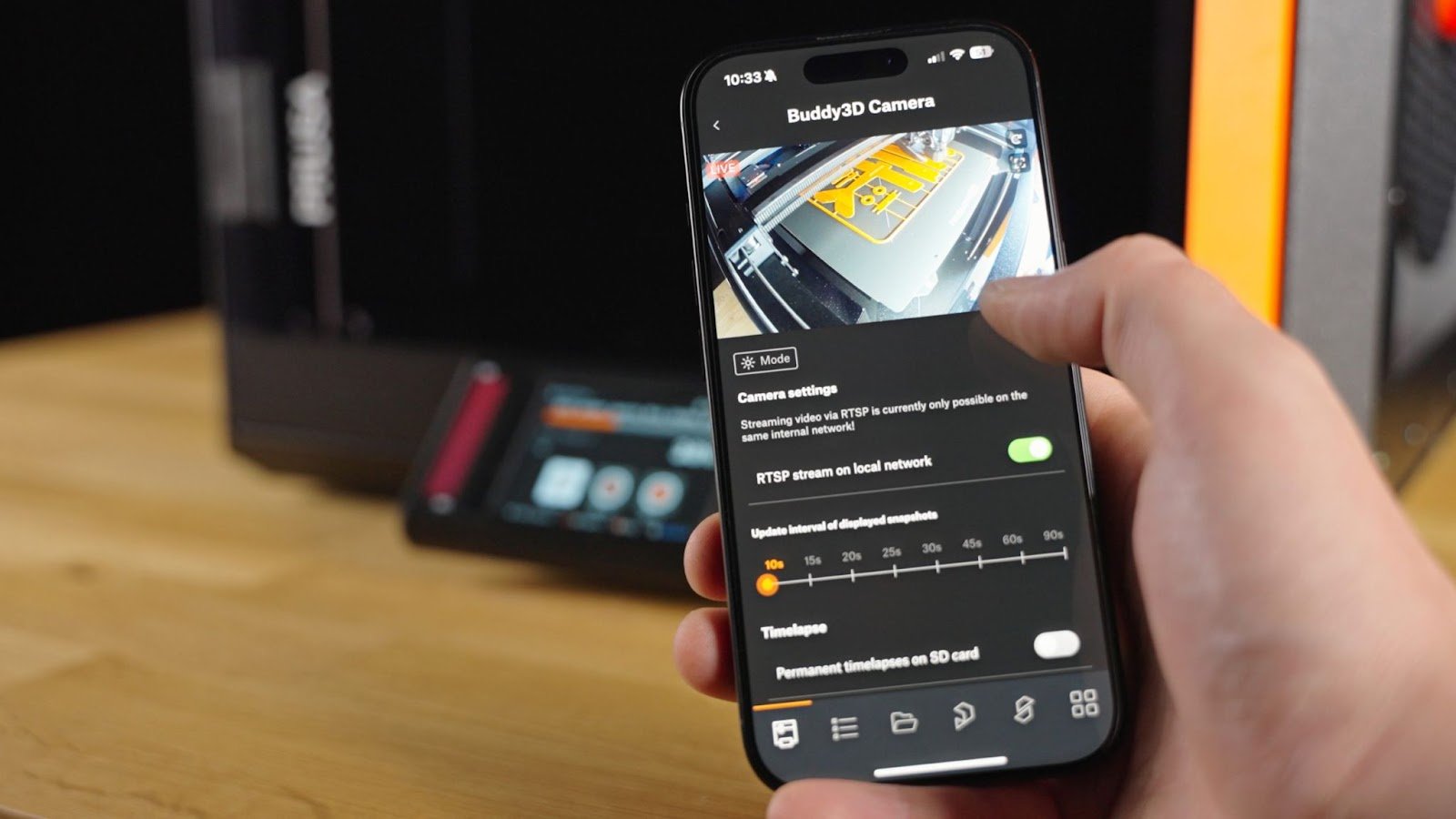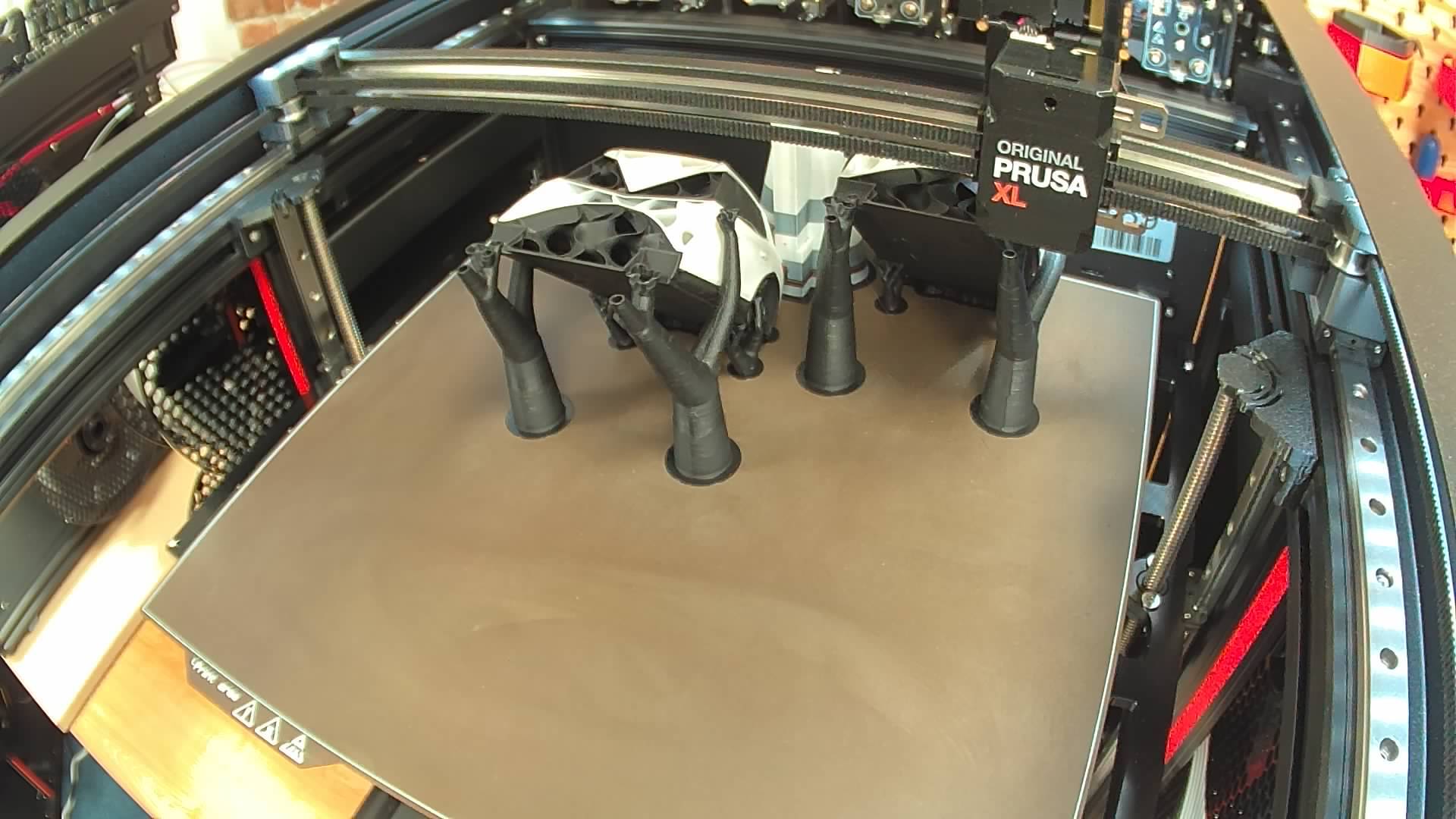
Buddy3D Camera


Related Products


INDX Conversion Kit [CORE One/+ & Gen2]
$1,139.00
Summary The INDX is an extremely fast, highly efficient toolchanger system with up to eight independent toolheads that seamlessly integrates with your CORE One+ 3D printer. Each material gets its own dedicated path, so you can combine rigid and flexible parts, use easy-to-remove or dissolvable supports, switch nozzle sizes in the same print, and...


Denture Base Resin V2 1L (Form 4)
$786.50
Summary High-impact denture base material for lifelike, long-lasting prosthetics Denture Base Resin V2 is a high-impact, Class II biocompatible material for producing durable, natural-looking dentures that exceed ISO standards. Three semi-translucent pink shades, broad workflow compatibility, and a streamlined post-processing protocol give den...


BioMed Flex 50A Resin 1L (Form 4)
$499.99
Summary BioMed Flex 50A Resin is a soft, elastic, and transparent material for biocompatible applications requiring comfort and long-term skin (>30 days) or short-term mucosal membrane contact (<24 hours). BioMed Flex 50A Resin is manufactured in our FDA-registered, ISO 13485-certified facility. Description Why Choose BioMed Flex 50A Resin...


Original PrusaSlicer Mug
$31.99
Matte black Original PrusaSlicer Mug, printed with PrusaSlicer keyboard shortcuts that make it easier for you to slice 3D models. Enamel mug with handle Diameter 8 cm (3,15 inches) Height 8 cm (3,15 inches) Volume 400 ml (13.5 oz) Weight 158 g Color: Matte black with glossy text Do not wash in dishwasher*


Original Prusa Heatbed Mousepad
$23.99
Summary If you miss your 3D printer every time you lose sight of your heatbed, you can now place it right on your workbench and enjoy looking at it every day with the Original Prusa MousePad.


Original Prusa MK4/S Enclosure
$559.00
Summary Introducing Original Prusa Enclosure: Modular box for your 3D printer. Enclosures mainly help with stabilizing the inner environment and raising ambient temperatures, which is vital for printing materials such as ASA, PC-CF, PP, and others that have a tendency to warp. Prusa Research also prepared a handful of add-ons that cater to any...
![PA Nylon Powder-coated Print Sheet [CORE One L]](http://www.voxelfactory.com/cdn/shop/files/Prusa_CORE_One_L_PA_Nylon_Powder_Coated_Print_Sheet_Product_Picture_300x@2x.webp?v=1782761671)
![PA Nylon Powder-coated Print Sheet [CORE One L]](http://www.voxelfactory.com/cdn/shop/files/Prusa_CORE_One_L_PA_Nylon_Powder_Coated_Print_Sheet_Product_Picture_200x@2x.webp?v=1782761671)
![PA Nylon Powder-coated Print Sheet [CORE One L]](http://www.voxelfactory.com/cdn/shop/files/Prusa_CORE_One_L_PA_Nylon_Powder_Coated_Print_Sheet_Product_Picture_1024x.webp?v=1782761671)
PA Nylon Powder-coated Print Sheet [CORE One L]
$194.99
Summary The heatbed has embedded high Curie temperature magnets. These magnets are able to firmly hold removable spring steel sheets. This print sheet is specially designed to print polyamide-based filaments, especially the Prusament PA11 Carbon Fiber Black. The PA11-type materials have generally a lower adhesion on textured or satin print she...
![Smooth PEI Print Sheet [CORE One L]](http://www.voxelfactory.com/cdn/shop/files/Prusa_CORE_One_L_Smooth_PEI_Print_Sheet_Product_Picture_300x@2x.webp?v=1782760576)
![Smooth PEI Print Sheet [CORE One L]](http://www.voxelfactory.com/cdn/shop/files/Prusa_CORE_One_L_Smooth_PEI_Print_Sheet_Product_Picture_200x@2x.webp?v=1782760576)
![Smooth PEI Print Sheet [CORE One L]](http://www.voxelfactory.com/cdn/shop/files/Prusa_CORE_One_L_Smooth_PEI_Print_Sheet_Product_Picture_1024x.webp?v=1782760576)
Smooth PEI Print Sheet [CORE One L]
$104.99
Summary Double-sided Smooth PEI spring steel sheet for Prusa CORE One L Description You can leave small marks on the print surface with your nozzle or tools, they will typically be shinier than the rest. It does not affect functionality or adhesion. However, if you want to have the same surface look on the whole printbed you can resurface it. Th...


Textured Powder-coated Print Sheet [CORE One L]
$90.99
Summary Double-sided textured PEI powder-coated spring steel sheet for Prusa CORE One L. Description Powder coating directly on metal makes it very hard to damage this build plate. If a heated nozzle crashed into it, the metal can dissipate the heat. Powder coating also gives the surface a distinct textured look that will be visible on your prin...


Satin Powder-coated Print Sheet [CORE One L]
$98.99
Summary Double-sided satin powder-coated spring steel sheet for Prusa CORE One L Description In terms of printing properties, the Satin sheet sits between the smooth and textured variants. Its powder-coated surface with lightly textured matte finish offers an optimal level of adhesion, especially when printing PLA and PETG materials. It is fully...


Prusament ASA 1.75mm 800g (NFC)
$41.99
Summary Prusament is a premium-grade material made by the same people who build the printers. Every spool is manufactured in-house with consistent color and high diameter precision. You can verify it yourself, down to the last meter. Description Why To Choose Prusament Guaranteed Color Consistency Every Prusament color is formulated and lo...


Bambu Lab Filament Buffer - H2D & H2C
$41.99
Summary The Filament Buffer is used to regulate the filament movement, ensuring an appropriate and stable supply of filament to the hotend. Description Installation Learn more about the H2D/H2C Filament Buffer on Bambu Lab Wiki. In the Box - Filament Buffer*1 - BT3-8 Screw*4 Compatibility H2D & H2C Specifications Pa...